Integrating Security Gates

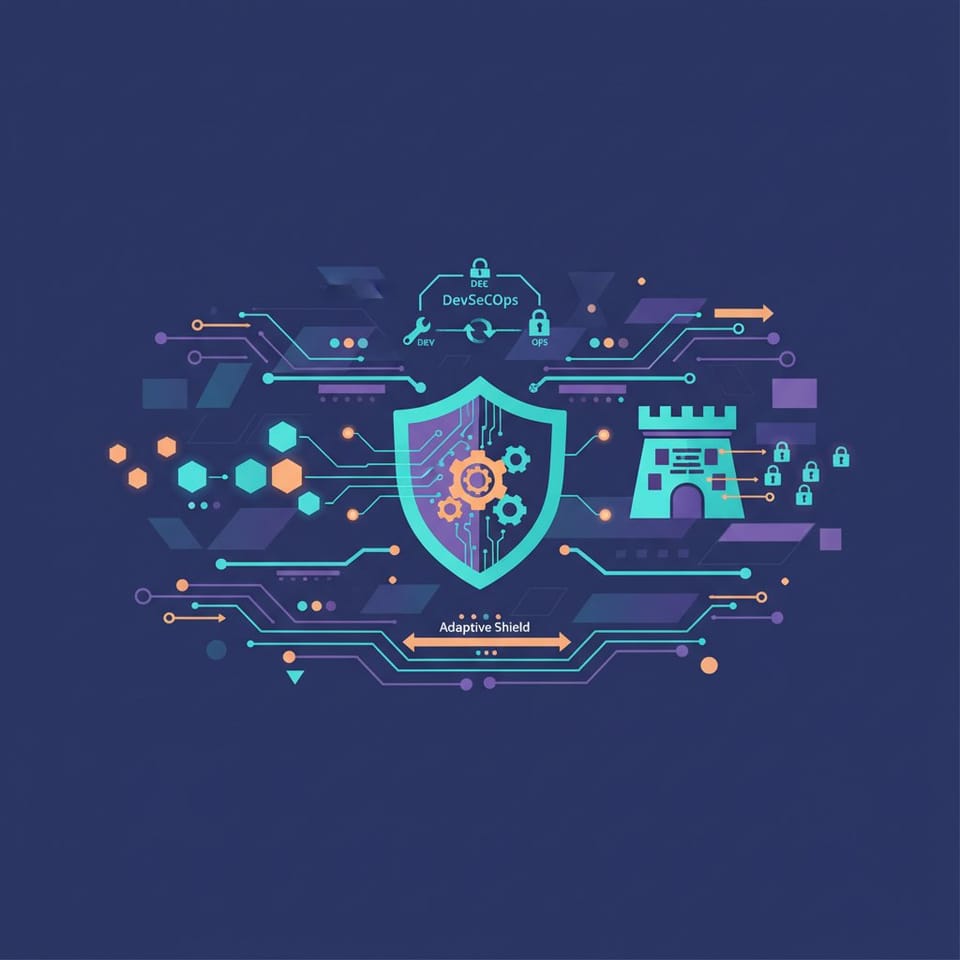
The Automated Fortress: Integrating Security Gates into Your CI/CD Pipeline
In the modern development landscape, speed is often prioritized above all else. However, as release cycles shrink from months to minutes, the traditional "security review" phase has become a significant bottleneck. The solution lies in shifting security to the left—integrating automated security gates directly into the CI/CD pipeline. By treating security as code, organizations can identify vulnerabilities at the point of inception rather than hours before a production deployment. This proactive approach ensures that application safety is not a final hurdle, but a continuous characteristic of the development lifecycle.
Key Technical Details: SAST, DAST, and Dependency Scanning
Building a resilient pipeline requires a multi-layered approach to automated testing. The three pillars of pipeline security typically include Static Application Security Testing (SAST), Software Composition Analysis (SCA), and Dynamic Application Security Testing (DAST). While SAST examines your source code for structural weaknesses like SQL injection or hardcoded credentials, SCA focuses on the "hidden" risk: your third-party dependencies. Given that modern applications are often comprised of 80% open-source code, scanning for known vulnerabilities (CVEs) in your package manifest is non-negotiable.
To implement these gates effectively, they must be "non-breaking" in local environments but "blocking" in the staging pipeline. For example, a high-severity vulnerability found in a Node.js library should automatically fail the build, preventing the insecure code from ever reaching a container registry. Below is an example of how to integrate a security scanning step into a standard CI/CD workflow using YAML configuration.
name: Security Pipeline on: [push, pull_request]
jobs: security_scan: runs-on: ubuntu-latest steps: - name: Checkout Code uses: actions/checkout@v3
- name: Run SAST Scan uses: securego/gosec@master with: args: ./...
- name: Dependency Vulnerability Check run: | npm audit --audit-level=high
- name: Container Image Scan uses: aquasecurity/trivy-action@master with: image-ref: 'my-app-image:${{ github.sha }}' format: 'table' exit-code: '1' ignore-unfixed: true severity: 'CRITICAL,HIGH'
Best Practices for DevSecOps Implementation
Successful security integration requires more than just adding tools to a pipeline; it requires a strategic approach to avoid "developer fatigue" caused by false positives. To maintain a high velocity while staying secure, consider the following recommendations:
Fail Fast and Early: Run lightweight linting and static analysis on every pull request. Save the more time-consuming dynamic scans (DAST) for the staging environment.
Automate Dependency Updates: Use tools to automatically create pull requests when a security patch is released for one of your libraries.
Secret Management: Never store API keys or database credentials in your code. Use pipeline environment variables or specialized vaults, and implement "secret scanning" to detect accidental leaks.
Define Clear Break Criteria: Not every warning should stop a deployment. Define a clear policy on which severity levels (e.g., "Critical" and "High") are blockers and which can be addressed in the next sprint.
Conclusion
Integrating security into the DevOps pipeline is no longer an optional luxury—it is a fundamental requirement for protecting the modern application stack. By automating the discovery of vulnerabilities and enforcing security standards through code, teams can reduce their attack surface without sacrificing deployment frequency. Ultimately, an automated fortress doesn't just block threats; it empowers developers to ship code with the confidence that the perimeter is being defended at every stage of the build.